The week's actions
Not a dashboard telling you food cost is up
Anyone can show you a number that moved. BizBoard reads the same week — the sales, the bills, the stock and the hours — and puts a money figure next to the few things actually worth changing, with the sum printed underneath so you can check it.
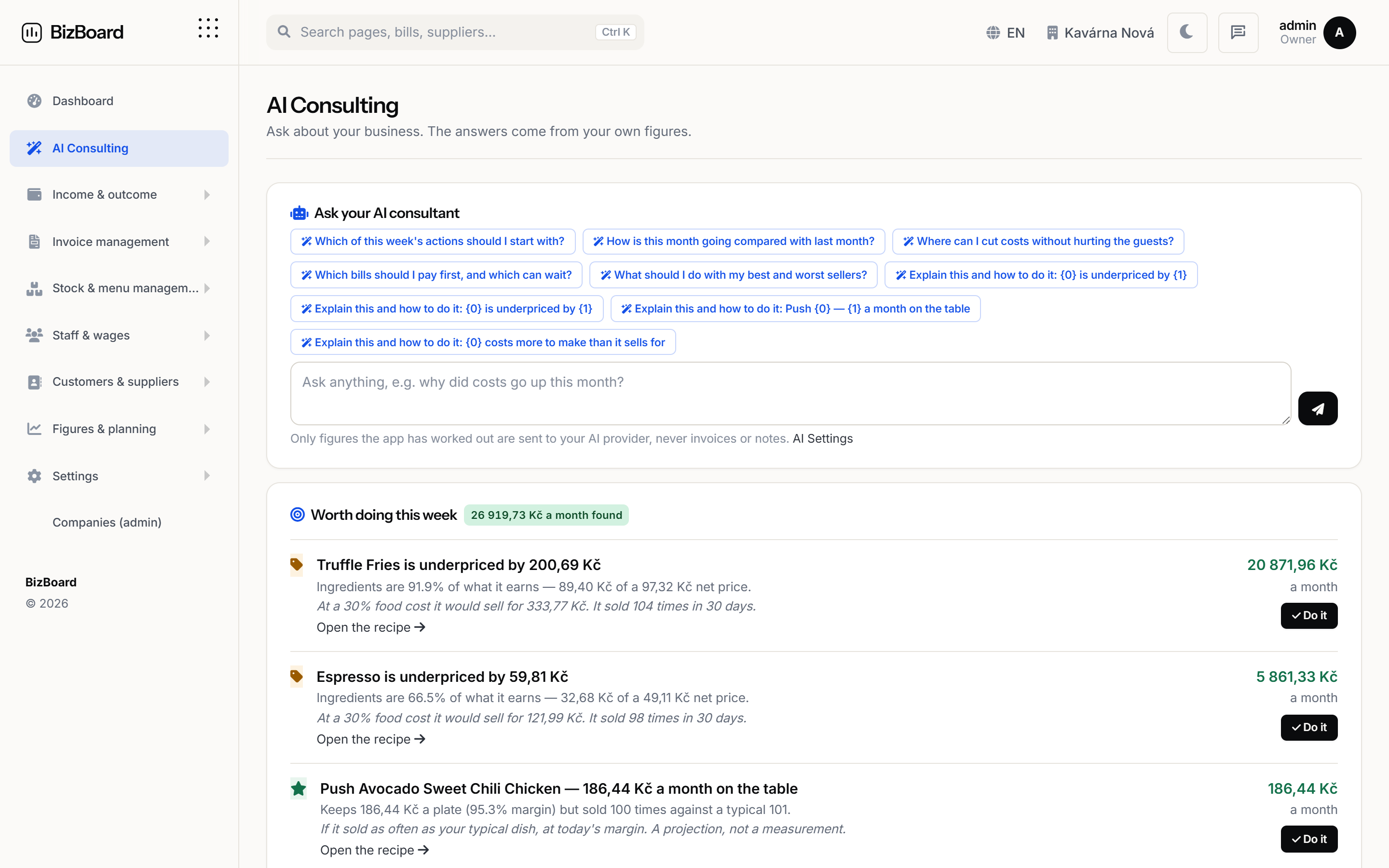 Shown with demo figures
How it works
Step by step, in the order it happens
No magic step in the middle. Each stage says what it does and what it hands to the next one.
- It says what it noticedA supplier price that moved. A dish selling for less than it costs to make. A shelf that runs out before the next delivery lands. The observation comes first, with the figure that raised it.
- It says what it is worthNot a direction — a number, for a month, at the volume you actually do. And the calculation that produced it, printed next to it, so you can disagree with the arithmetic rather than with the machine.
- You make it a job, or you make it go awayOne button turns an action into a task with an owner and a date. Dismiss it instead and it is not offered back to you next Monday.
- Monday morning, in the inboxThe week's takings, what is due to be paid and this week's actions, sent to whoever should read them. Nobody has to log in to find out how the week went.
Arithmetic first, AI only on top
Every figure here is worked out from your own data and needs no AI at all. Connect your own key and it writes the paragraph over the top — the numbers underneath do not change, and turning it off does not take the insight away.
- The figures work with AI switched off entirely
- Your own provider key, with a budget cap you set
- Nothing is sent anywhere to produce the numbers themselves
- The monthly summary on the first, against the month before
Every figure here is worked out from your own data and needs no AI at all. Connect your own key and it writes the paragraph over the top — the numbers underneath do not change, and turning it off does not take the insight away.
FAQ
Before you ask
Is this AI deciding what I should do?
No. The actions and their values are arithmetic on your own sales, bills, stock and hours. AI, if you connect a key, writes the summary paragraph on top and changes none of the figures.
Can I stop getting the emails?
Yes, per person and per email. You choose who receives the Monday digest and the monthly summary, and anybody can be taken off either.
Put the back office in one place
Set your country, connect your till and your inbox, and let the month close itself.