Stock, recipes and orders
Stock that counts itself, and tells you when a price moves
Every item with its unit, its cost and what is left. Deliveries, waste and stock counts land in the same place, dishes take their ingredients out as they sell, and a supplier who quietly raises a price is caught on the bill that raised it.
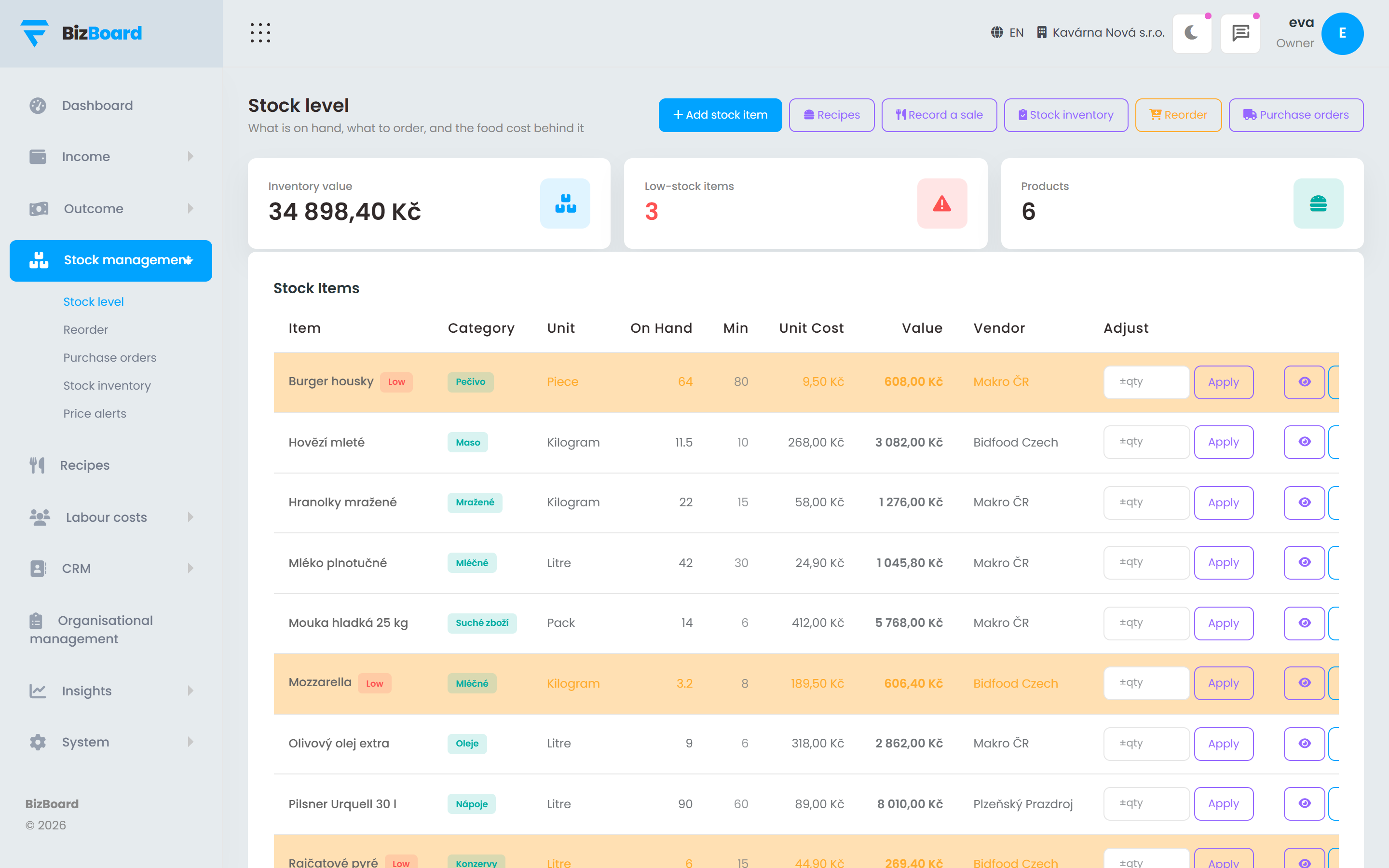 Shown with demo figures
How it works
Step by step, in the order it happens
No magic step in the middle. Each stage says what it does and what it hands to the next one.
- Items, with a unit and a costA kilo of flour, a case of twenty-four, a litre. Set what you buy it in and what you use it in once, and everything afterwards converts itself.
- Recipes tie dishes to ingredientsSay what goes into a dish. Now a sale moves stock, and the dish has a real cost that follows the price of what goes into it.
- Below minimum becomes an orderAnything under its reorder point collects into a purchase order for the right vendor. Send it, then receive it back into stock in one step when it arrives.
- Counts reconcile against realityCount a shelf and the difference from what the system expected is recorded as what it is — waste, breakage, or a recipe that is not what the kitchen actually does.
- Price rises surface immediatelyWhen a bill comes in above what you last paid for that item, you hear about it then, with the percentage and what it costs you a month at your volume.
Food cost and labour cost, next to the target you set
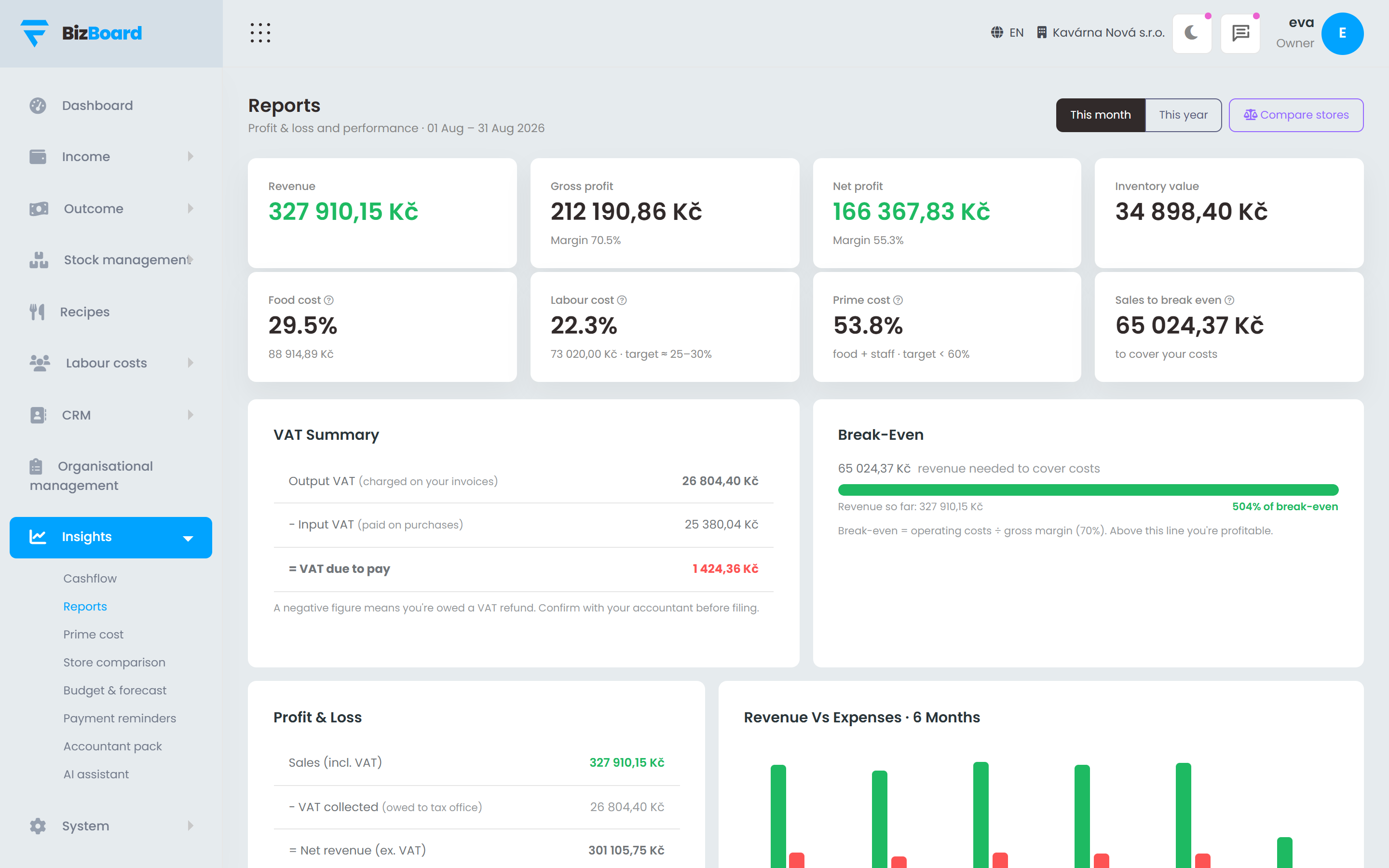
The two numbers that decide whether a hospitality business makes money. Both of them month by month, against your own target, with your venues side by side rather than averaged into one meaningless figure.
- Food cost from real purchases and real recipes, not an estimate
- Labour cost from the hours actually worked and approved
- Your target, and the gap to it, in money
- Venue against venue, so the outlier is obvious
FAQ
Before you ask
Do I have to build every recipe before this is useful?
No. Stock levels, reorder points, purchase orders and price alerts all work without a single recipe. Recipes add dish cost and automatic depletion when you are ready for them.
What about waste and staff food?
Both are recorded against the stock they consumed, so they show up as what they cost rather than disappearing into a difference at the next count.
Can I run more than one venue?
Yes. Stock, orders and counts are per venue, and the cost reports put the venues side by side.
Put the back office in one place
Set your country, connect your till and your inbox, and let the month close itself.